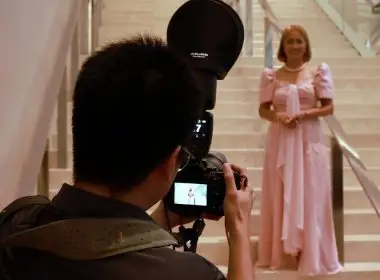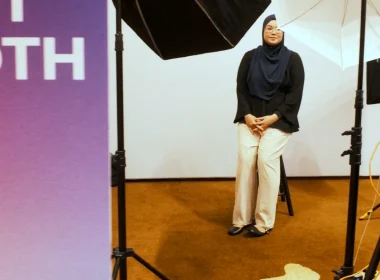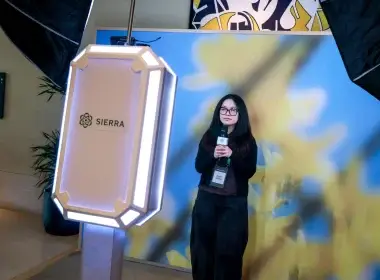

These LinkedIn headshot tips will help you look confident, approachable and professional in your next profile photo. Your headshot is often the first thing recruiters, clients and colleagues see, so a little preparation goes a long way. Whether you are booking a company headshot day or a personal session in Singapore, use these LinkedIn headshot tips to get a photo you are proud to use for years.

Why Your LinkedIn Headshot Matters
A clear, well-lit headshot builds trust before anyone reads your profile. A consistent set of headshots across a team also makes a company look organised on its website, proposals and press materials. That is why many organisations in Singapore run a headshot station during town halls, conferences or onboarding days.
LinkedIn Headshot Tips: Before the Shoot
Choose Simple, Well-Fitted Clothing
Solid colours work best. Avoid busy patterns, large logos and very bright colours that distract from your face. Bring a jacket or blazer if your industry is formal, and make sure clothes are ironed. Our first LinkedIn headshot tips are always about clothing because it is the easiest thing to get right.
Keep Grooming Natural
Get a haircut a few days before, not on the day. Keep makeup natural and matte to reduce shine under studio lights. A makeup artist can be arranged for corporate sessions at extra cost.
Sleep Well and Stay Hydrated
It sounds simple, but rest shows in photos. Drink water and avoid salty food the night before to reduce puffiness.

LinkedIn Headshot Tips: During the Shoot
Relax Your Shoulders and Lean in Slightly
Turn your body slightly away from the camera, then turn your face back toward it. Lean forward a little from the hips. This small change makes you look engaged rather than stiff.
Smile with Your Eyes
A genuine smile reaches your eyes. Think of something that makes you happy, or let the photographer chat with you between shots. Try a few expressions, from a soft smile to a fuller one.
Trust the Lighting
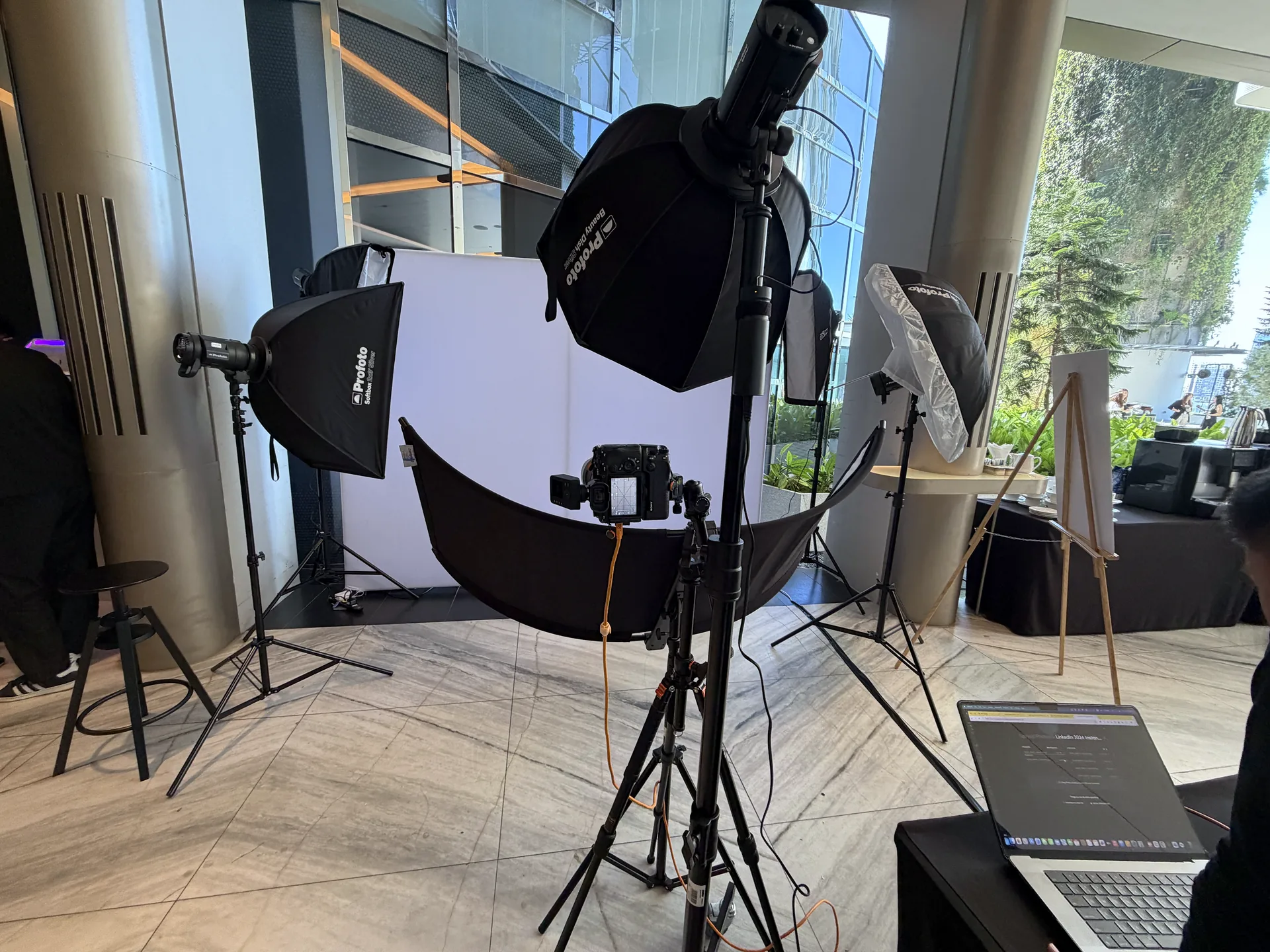
Professional studio lighting creates even, flattering light and a clean background. One of the most useful LinkedIn headshot tips is to let the photographer guide your angle to the light.
Take a Few Variations
Ask for a couple of options, such as with and without a jacket, or a lighter and a darker background. Having choices helps you pick the best fit for LinkedIn, your company website and speaker profiles.
LinkedIn Headshot Tips: After the Shoot
- Crop for LinkedIn. Your face should fill most of the frame, with a little space above your head.
- Keep retouching light. Remove temporary blemishes, but keep the photo looking like you.
- Use the same photo everywhere. Consistency across LinkedIn, email signatures and your company website builds recognition.
- Update regularly. Refresh your headshot every few years or after a big change in appearance.
LinkedIn also shares guidance on profile photos in its Help Center.
Company Headshot Days in Singapore
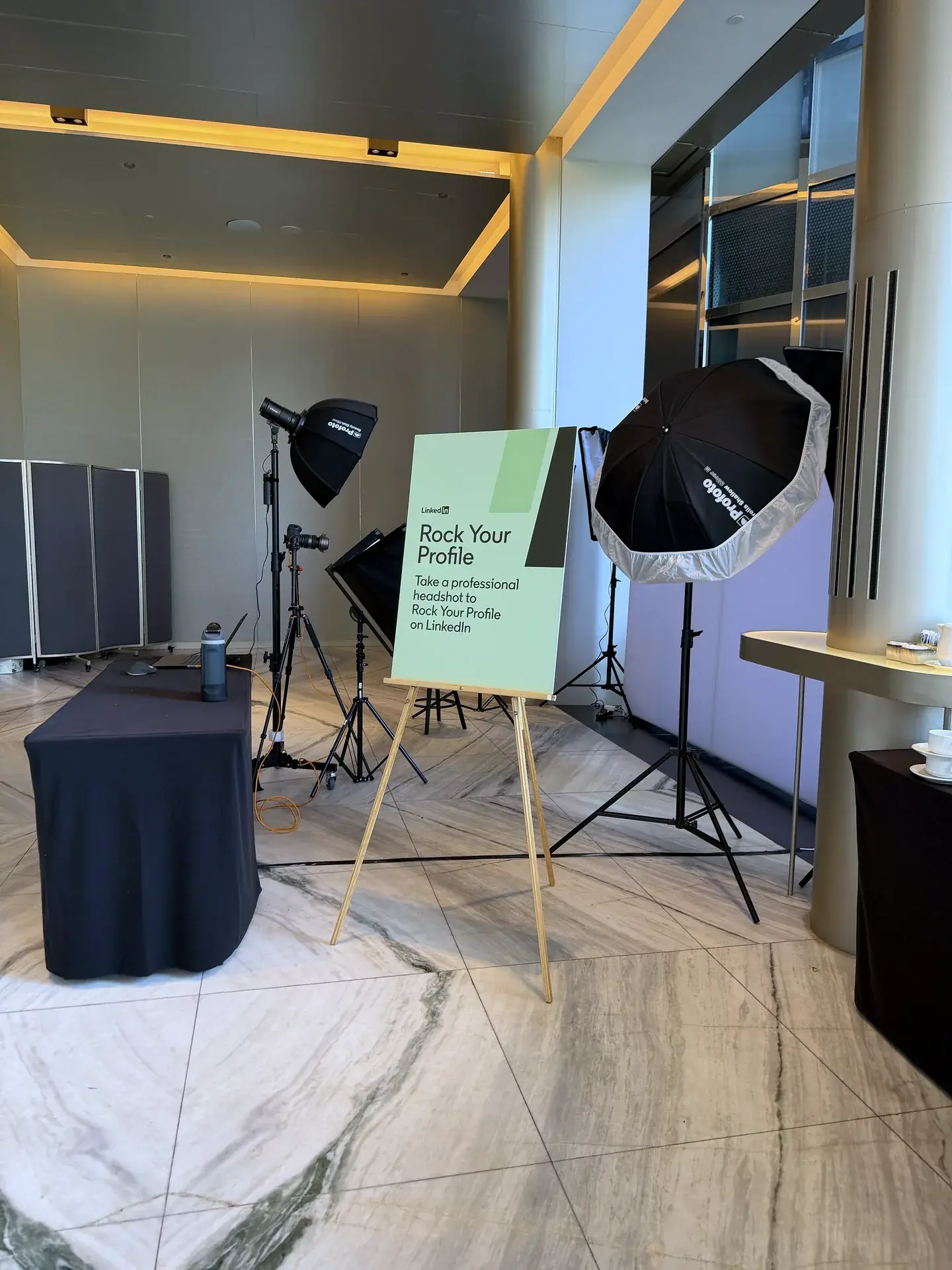
For teams, the easiest way to apply these LinkedIn headshot tips is a headshot day at your office or event. A photographer sets up a compact studio with lighting and a backdrop, and staff rotate through in a few minutes each. Photos can be delivered digitally, and guests at events can even find their photos on a sharing kiosk. Learn more about our corporate headshot photography, with no per-head charge.
Need headshots fast with a creative twist? Our AI corporate headshot experience turns studio-lit photos into polished LinkedIn headshots. Running a conference? Combine headshots with an event photographer and roving photography for complete coverage.
Quick Checklist
- Solid-colour, well-fitted outfit
- Natural grooming and matte makeup
- Good rest the night before
- Shoulders relaxed, slight lean forward
- Genuine smile and a few variations
- Crop correctly and keep retouching light
Follow these LinkedIn headshot tips and you will have a profile photo that makes a strong first impression for years to come.

Frequently Asked Questions
What should I wear for a LinkedIn headshot?
Wear solid colours and well-fitted clothing. Avoid busy patterns and large logos. A blazer suits formal industries.
How long does a corporate headshot take?
At a company headshot day, each person usually needs only a few minutes in front of the camera.
Should I smile in my LinkedIn headshot?
Yes. A natural, genuine smile makes you look approachable and confident.
How often should I update my LinkedIn headshot?
Update it every few years, or sooner if your appearance changes significantly.
What Our Clients Say on Google

Had a great experience with Snaply.sg! Prints were sharp, vibrant, true to colour. Prices were amongst the most competitive for the quality…Read the full Google review

Jerald was absolutely helpful for my purchase and he delivered what he promised! Absolutely smooth transaction, will deal with again in future!

Good Service 👍 Staff was friendly and would help assist with guiding on how to pose! Props were up to trend and appropriate. Highly recommended ☺️

Excellent service provided by the event company. Hire them to set up a booth and some basic photography/videography for a small event. Photo qualities were up to standard and the almost instant mini prints were a plus point. Definitely recommend!!

Snaply.sg was absolutely amazing! Jerald was incredibly friendly and super fast with all his replies. The photos were delivered so quickly and the quality is outstanding. Highly recommend!

Jerald and his team were friendly, supportive, and professional throughout the session. They provided plenty of props, which made the experience even more fun and…Read the full Google review

Thank you for the fast service and affordable prints. The photos printed are high quality and crisp :) Fuss free and delivery was next day!

Prints were clear & sharp!!! I’m very satisfied with them. Process of getting them was fuss-free & quick as well. Thank you Jerald & Snaply.sg team! 😊

Excellent experience from start to finish! The staff were friendly, helpful, and professional. Everything was handled efficiently and exceeded my expectations…Read the full Google review

Good Service, Very Detail with what they offer and make options that are very comfortable with Photography needs

He has been very helpful and has a positive attitude. Reliable and value for money

everything was swift, the entire process was smooth & super helpful. photos came out wonderful. thank you

His print quality is too good. Also thanking him for providing the service timely. Last time he was able to print my adhoc request as well. Thanks.

Very good service, goes above and beyond for their customers

Super good seller, highly efficient in his service. Pls support him! Good attitude and good service!

The seller is very communicative and had delivered the promise of shipping out the photos asap. Glad to see that the photos are of great quality as well.
Get a Quote for Your Event
Tell us the date, venue and number of guests, and we will recommend the right setup with NETT pricing.